Nobody carries cash anymore.
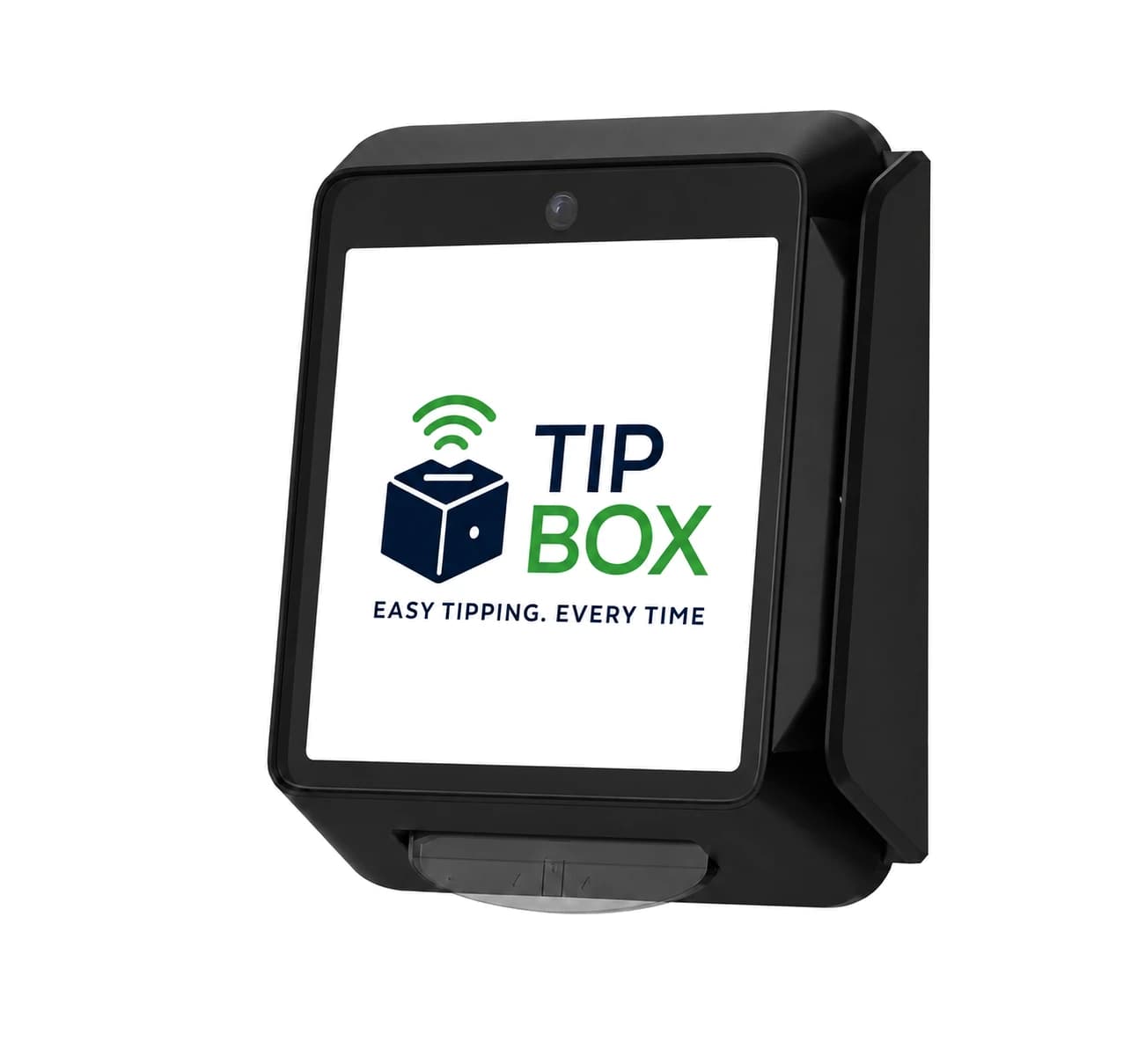
Tip Box sits on the counter, the valet stand, or the table by the door. Your customer or supporter picks an amount, taps a card or phone, and goes, in about five seconds.
One box for tips or donations.
The hardware doesn't change. The wording, the amounts and the color do, so the box reads as yours whether it's collecting tips for a team or gifts for a cause. Switching sides is a setting, not a purchase.
 Easy tipping. Every time.
For the people who serve
Your team earns tips they used to lose to an empty pocket. Behind the counter, the fair split and the payroll export are handled for you.
 Small gesture. Big impact.
For the causes that ask
Supporters give in the moment they feel it, and donors can cover the fee so every dollar reaches the mission. Behind the scenes, the right receipt is sent and every fund stays straight.
Online and monthly giving for your cause.
Tip Box Giving gives your cause its own giving page, with or without a box. Supporters give once or every month, and change, pause or cancel their own gift with no account needed.
$29 / month per organization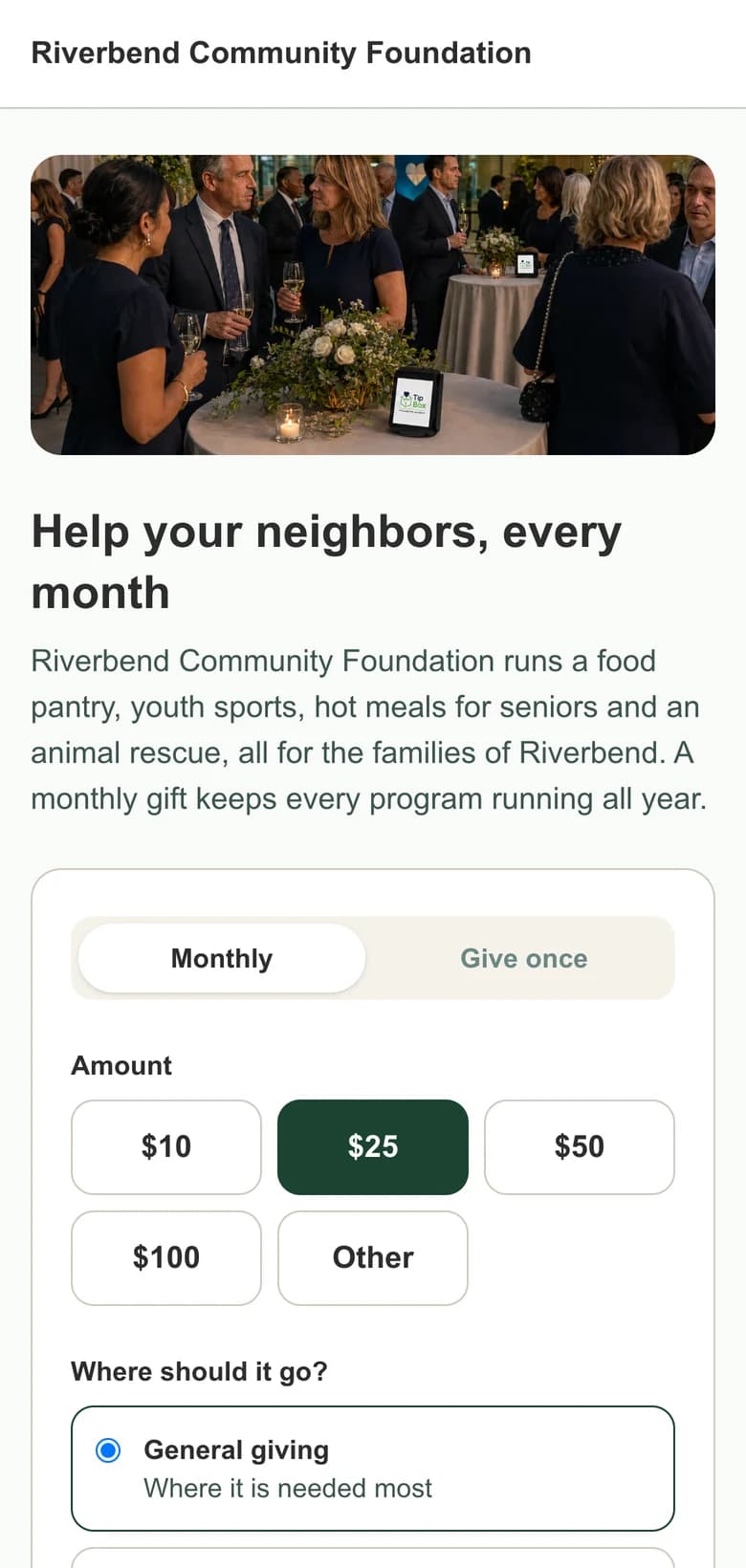
Three taps, start to finish.
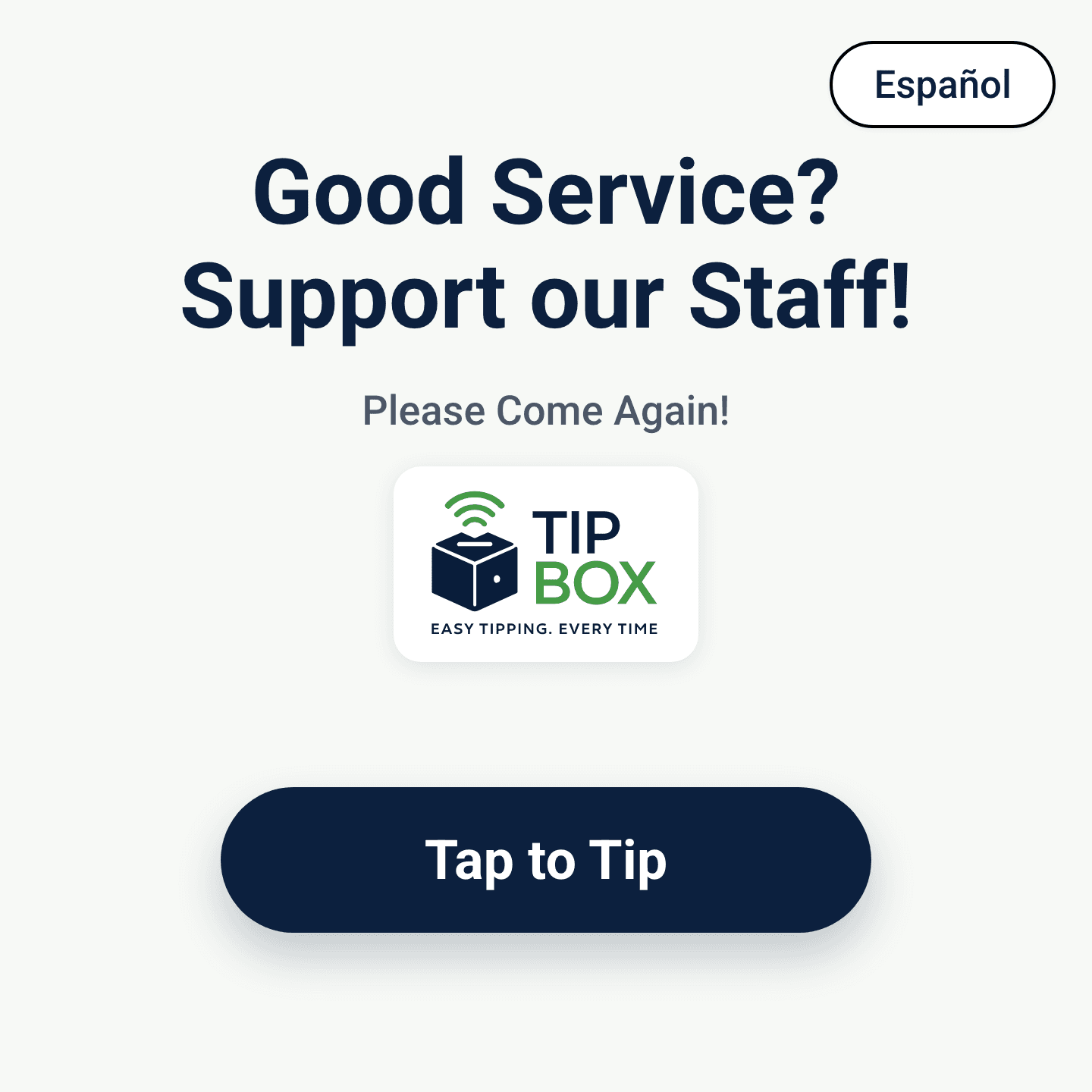
They see your ask
Your words and your logo, in the language your customer reads. One button starts it.
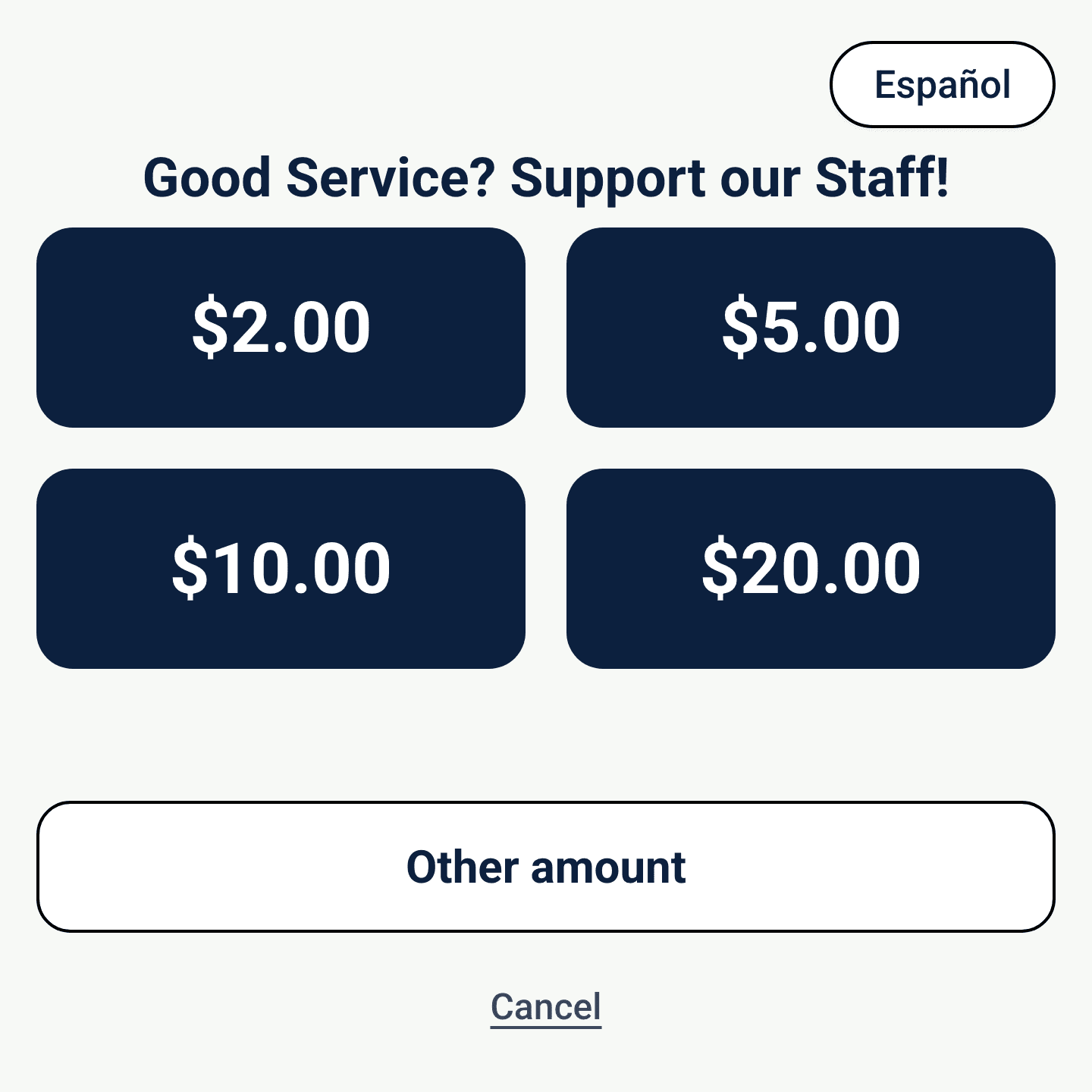
They pick an amount
Your presets, plus an other amount for anyone who wants to set their own. Nothing to type unless they choose to.
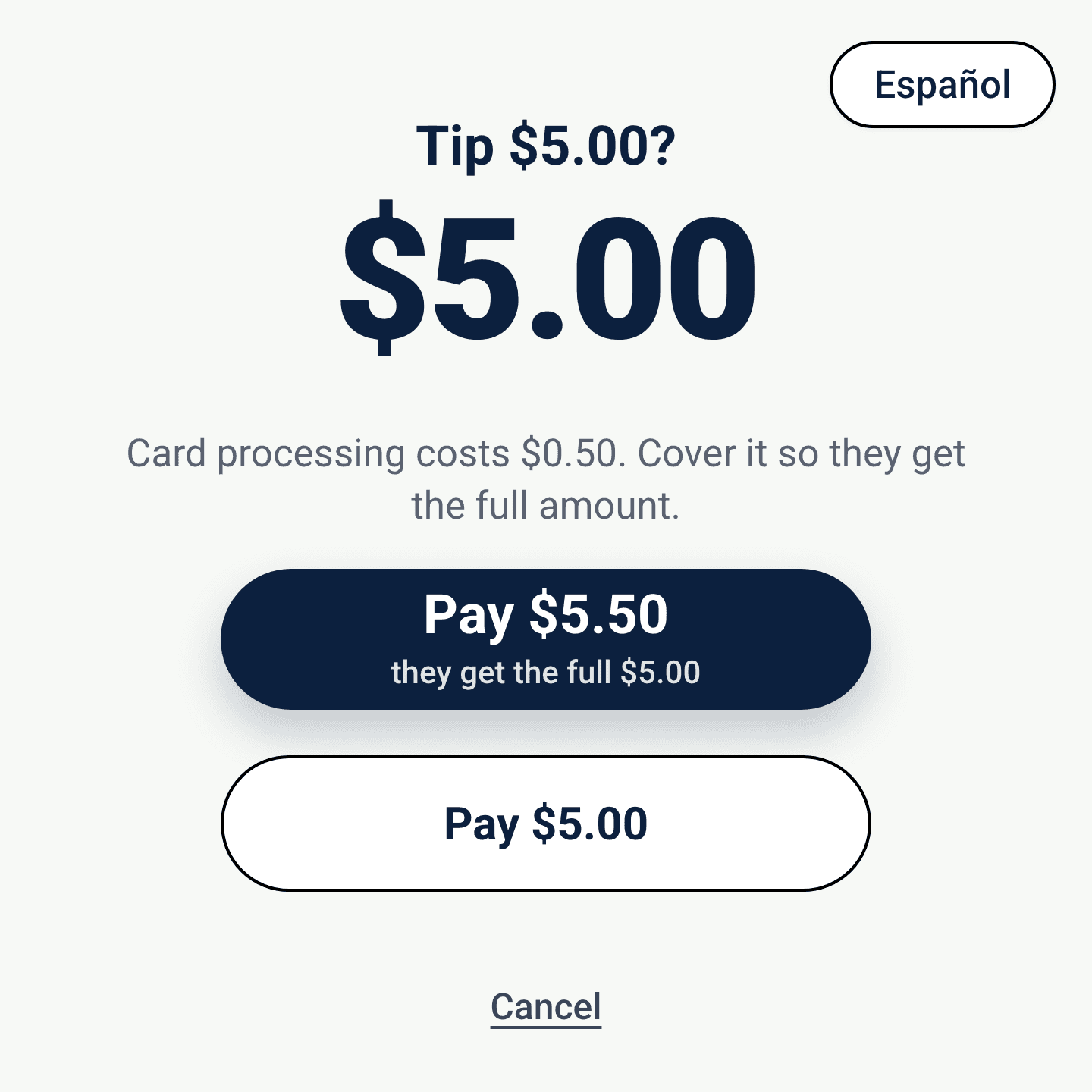
They choose who covers the cost
The processing cost is shown plainly. Your customer can cover it so your staff receive the full amount, or pay just the tip.
Deposits then arrive in your account on a regular schedule, and every tap shows up in your dashboard, so the totals are never a guess.
Market your cause or business, not Tip Box.
Your logo, your colors, your language
Nothing arrives preset. You build the screen with your own logo, your own colors and your own words, so the box reads as part of your counter rather than a piece of payment equipment.
A campaign engine behind it
Configure boxes together so a location or an event rolls up to a single campaign, or give each box a campaign of its own. Change it whenever the goal changes.
If people stop there, the box works there.
Indoors, outdoors, staffed or unattended, Tip Box behaves the same way.

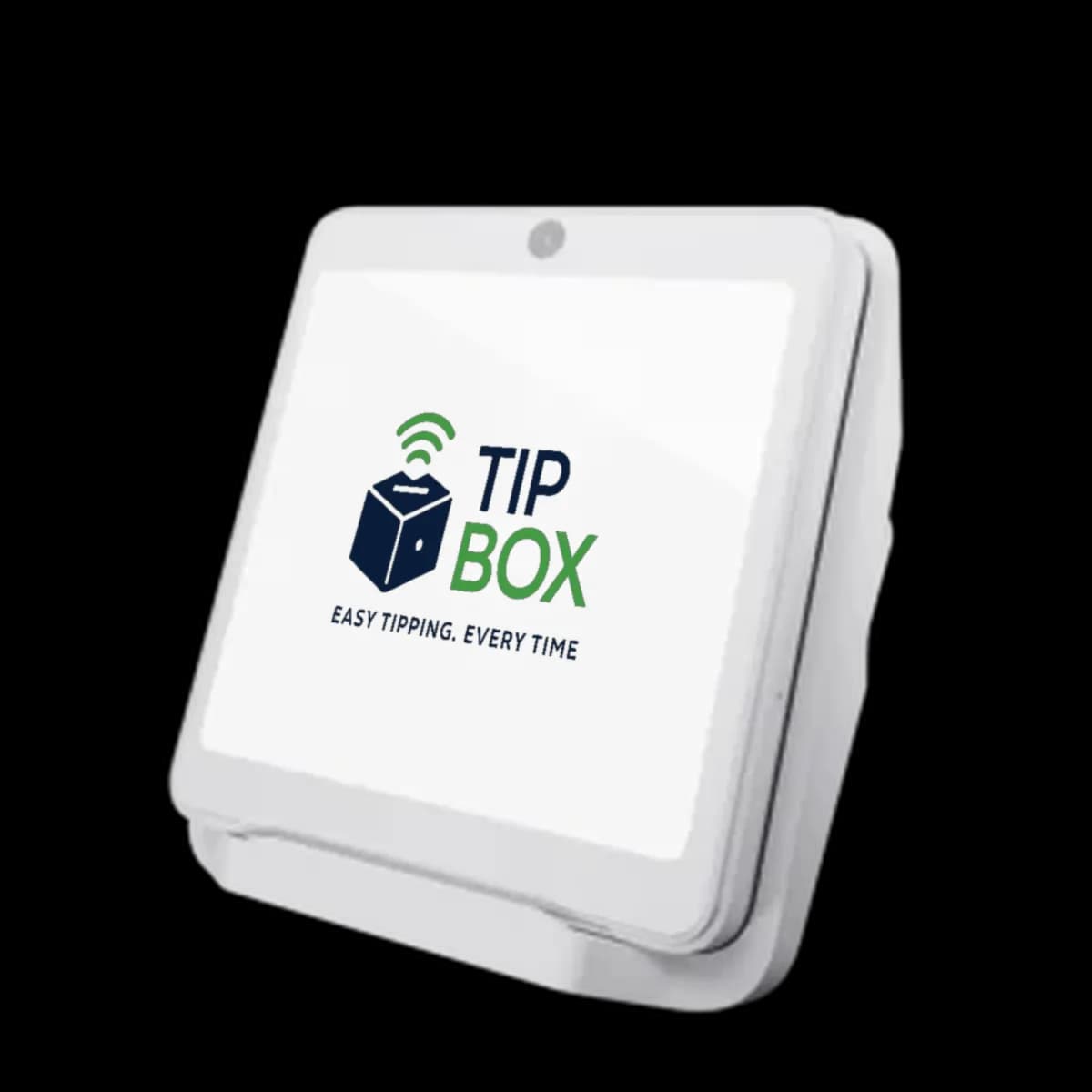
A real terminal, rated for outside.
Tip Box is a rugged, outdoor-rated card terminal, not a tablet in a case. It takes weather, sun and a busy shift, and it still looks like it belongs on a hotel desk or beside a museum guestbook. For counters and desks there is also the Tip Box Mini, a smaller, battery-powered box that runs the same software.
Contactless first
Tap a card, phone or watch. Chip and swipe are there when someone needs them.
Sits where guests can reach it
Stand the full-size box on a counter or fix it to a post, a stand or a wall. The Mini is cordless on its charging cradle, so it sits within easy reach on a counter or desk.
Why we made Tip Box.
Tipping and giving used to run on the change in someone's pocket. That change stopped showing up, and the ask got awkward: an app to download, an account to make, a jar with nothing in it.
Tip Box puts the ask back where it belongs: in front of the person, at the moment they want to say thank you. One box, priced plainly, that works the same for a valet team and a food bank.
Become a Tip Box agent.
Tip Box is sold through a network of independent agents who are personally invested in every single Tip Box, as it provides a recurring revenue stream that will continue to grow as you spread Tip Boxes through your community.
Start selling Tip BoxTell us where the box would go.
Send a note and Tip Box will come back with the right setup, a hardware quote, and how quickly it can be on your counter.